FAQ Pages for SEO: How Short Q&A Can Surface in AI Search
FAQ Pages for SEO: How Short Q&A Can Surface in AI Search

Yes: when built and marked up correctly, FAQ content can increase discoverability, capture long-tail queries, and improve chances of appearing in People Also Ask and AI-generated summaries. It works best when questions match real search intent and answers stay concise. It works poorly as a dumping ground for keywords or duplicate boilerplate copied across every page on a site.
TL;DR:
- Pull actual queries from Search Console, People Also Ask results, keyword tools, and support logs; prioritize questions with impressions over guesses.
- Use a dedicated FAQ page for 15 or more questions; keep a few page specific questions beside the product or service they address.
- Lead each answer with the direct response, keep the core to one to three sentences, and link to fuller guidance when readers need more detail.
- Add FAQ schema only for distinct, visible questions, keep markup text identical to the page, and prefer server rendered code over client side injection.
- Track impressions and rankings for eight to twelve weeks against control pages; remove or rewrite questions that gain no impressions or People Also Ask placement.
Table of Contents
- Practical SEO and Business Benefits of FAQ Pages
- FAQ Formats and Short Examples You Can Copy
- Step-by-Step Guide to Writing and Structuring SEO-Friendly FAQs
- How to Add FAQ Schema Correctly
- What FAQ Pages Can’t Fix and Common Mistakes
- Publisher Notes: Practical Examples Behind This Guide
- Where to Focus FAQ Work in an AI-First Search Landscape
- Deploy an FAQ Accordion Without Writing Schema by Hand
- FAQ
- Sources
Practical SEO and Business Benefits of FAQ Pages
A well-built FAQ section earns its place because it answers the exact phrasing people type into search bars, which is usually longer and more specific than a typical head keyword. These long-tail questions carry less competition and a clearer intent signal, so a concise, well-structured answer has a real shot at ranking for them even on a newer site.
That specificity also matters for how answers get surfaced beyond a standard blue link. Structured, concisely written FAQ content can increase the chance of appearing in People Also Ask boxes and featured answers, and the same qualities, direct wording and tight scope, help the content get pulled into AI-generated summaries where there is no click at all. Framing each answer as a self-contained, canonical response, then linking out to a longer resource for depth, serves both the AI extraction process and the reader who wants more detail.
Beyond rankings, FAQs reduce friction for actual visitors. Shoppers who get a clear answer about shipping, returns, or compatibility before checkout convert at a steadier rate, and support teams see fewer repetitive tickets when the same answers live on the page itself.
Metrics worth tracking monthly:
- Impressions and click-through rate on FAQ-targeted queries in Search Console.
- How often specific questions trigger a People Also Ask placement.
- Change in support ticket volume for topics covered by the FAQ.
- Average position movement for the long-tail phrases used as question headings.
One structural signal is worth remembering: FAQ content written to directly match user intent is more likely to surface in zero-click and AI summary results than generic marketing copy, because the format already mirrors a question-and-answer exchange.
FAQ Formats and Short Examples You Can Copy
Not every site needs the same shape of FAQ. The right format depends on how many questions you have, how often they change, and whether you want a standalone page to rank on its own.
- Dedicated FAQ page: Best when you have 15 or more questions spanning multiple topics (billing, shipping, account setup). It can rank independently for broad queries like “[brand] FAQ” and serves as a hub you link to from product pages.
- Page-level FAQ section: A handful of questions placed at the bottom of a product or service page, answering objections specific to that page (pricing, compatibility, turnaround time). This keeps intent tightly matched to the page’s main topic.
- Inline micro-FAQ: One or two questions woven into body copy or a sidebar, useful for a single recurring objection without building a whole section.
- Accordion widget: A collapsible Q&A block, often reused across many pages, that keeps the page visually short while still exposing full answers to crawlers and users who expand them.
A dedicated page suits a software company with dozens of billing and feature questions. A page-level section suits an e-commerce product page answering “does this fit a king-size mattress?” An inline micro-FAQ suits a landing page with one dominant objection, like “is there a setup fee?”
Example templates to adapt:
Product page: Q: Does this plan include unlimited storage? A: No, each plan has a monthly cap listed on the pricing page. Upgrading raises the cap without changing your existing data.
Service page: Q: How long does onboarding take? A: Most accounts are fully set up within one business day. Complex integrations can take longer depending on the number of connected tools.
Support-style page: Q: Can I cancel anytime? A: Yes, subscriptions can be canceled from account settings with no additional fee. Access continues until the end of the current billing period.
Step-by-Step Guide to Writing and Structuring SEO-Friendly FAQs
Start with question research instead of guessing. Pull actual queries from Google Search Console’s performance report, filtered to pages where people land but don’t click deeper. Scrape the People Also Ask boxes for your target keywords, since those phrasings are already proven to interest searchers. Cross-check with a keyword tool for volume and phrasing variants, and comb through support tickets or live chat logs for the exact words customers use when they’re stuck.

Once you have a list, prioritize by impressions rather than instinct. A question with real search volume but no current page targeting it is worth writing before a question nobody searches for, no matter how often your sales team hears it on calls.
Writing the answers:
- Lead with the direct answer in the first sentence: no preamble, no restating the question.
- Keep the core answer to one to three sentences.
- Add one supporting sentence or a link to a longer resource for readers who want depth.
- Use the same terminology your audience uses, not internal jargon.
Pro Tip: Write the answer as if it will be read aloud by a voice assistant with no visual context: if it still makes sense standalone, it’s probably well scoped for AI extraction.
Page structure matters almost as much as the words themselves. Group related questions under clear subheadings instead of one long undifferentiated list: billing questions together, technical questions together, policy questions together. If the same question logically belongs on two different pages, pick one canonical version and link to it rather than duplicating the text, since search engines can treat near-identical blocks as duplicate content and dilute which version ranks.
Internal linking from FAQ answers back to fuller product or support pages gives both users and crawlers a path to more detail, and linking from product pages to the FAQ section that addresses their specific objections keeps intent tightly matched at each step.
Quality safeguards to build into your process:
- Check that each question still reflects actual search intent, not just a keyword you want to rank for.
- Audit for duplicate or near-duplicate answers across pages at least quarterly.
- Set a freshness cadence, for example a yearly or quarterly review, for anything referencing prices, policies, or version numbers.
- Remove or merge questions that get zero impressions after six months on the page.
For measurement, treat FAQ changes like any other on-page experiment. Note the publish date, track impressions and position for the target query over the following eight to twelve weeks, and compare against a control set of pages that didn’t get FAQ additions. If a new question doesn’t move impressions or earn a PAA placement within that window, rewrite the phrasing or cut it rather than leaving dead weight on the page.
How to Add FAQ Schema Correctly
FAQ schema (the JSON-LD markup that tells search engines “this block is a question and answer pair”) makes sense on pages where the content is genuinely visible to users, answers a real, distinct question, and isn’t repeated verbatim elsewhere on the site. It doesn’t make sense for marketing copy reformatted into fake questions just to get a rich result, and Google’s own guidelines treat markup on hidden or non-visible content as a violation worth avoiding.
A minimal JSON-LD block needs a FAQPage type, a mainEntity array, and for each item a Question with its name and an acceptedAnswer of type Answer holding the text. Keep the text field matching what’s visibly on the page, word for word, since mismatches are one of the most common validation complaints.
| Check | Where to test | What it catches |
|---|---|---|
| Markup syntax | Google’s Rich Results Test | Missing fields, malformed JSON |
| Live indexing status | Google Search Console | Whether the rich result is eligible or has errors |
| Visible vs. markup text match | Manual page review | Hidden-content violations |
| Render timing | Browser dev tools / view source | Whether JSON-LD loads before or after crawl |
Rendering method matters more than most teams expect. Server-side or pre-rendered JSON-LD is indexed more reliably than markup injected purely client-side, since some crawl passes don’t wait for every script to execute. If your FAQ block comes from a widget or a JavaScript framework, confirm the generated markup shows up in the page source, not just in the rendered DOM, before relying on it for rich results. A practical technical SEO reference covers these server-rendering and schema edge cases in more depth for teams building custom implementations.
What FAQ Pages Can’t Fix and Common Mistakes
FAQ content amplifies good targeting; it doesn’t replace it. A page with no organic demand won’t start ranking just because you bolt five questions onto the bottom.
The mistakes that undercut FAQ value most often:
- Writing questions that chase keywords instead of answering what someone actually typed, which reads as stuffed and rarely earns a PAA spot.
- Copying the same Q&A block across dozens of product or location pages, creating duplicate content that search engines may only rank once.
- Building a single FAQ page with 80-plus questions with no grouping, which frustrates users and makes voice assistants struggle to extract one clean answer.
- Publishing once and never revisiting pricing, policy, or feature answers, so outdated information sits live for months.
Publisher Notes: Practical Examples Behind This Guide
The patterns above come from building and shipping FAQ accordions directly, not just reading about them. We build FAQ schema support directly into our accordion widget, so a one-line embed outputs both the visible, accessible Q&A block and the matching JSON-LD without a developer writing either by hand. That matters for the rendering pitfalls covered above: when the schema generation is handled by the widget itself, it ships server-rendered rather than bolted on after the fact.
We maintain 49 free tools with no usage caps, which is also where several of the example templates and answer formats in this guide were drawn from, including our own Q&A library.
Where to Focus FAQ Work in an AI-First Search Landscape
The teams getting the most out of FAQ content right now aren’t writing more questions, they’re writing fewer, better-targeted ones. Pull your highest-impression queries from Search Console first, answer them in plain, extractable sentences, and treat schema as a technical accelerant rather than a magic switch. Visible content still has to carry the weight; markup just helps machines parse it faster. Revisit what’s working every few months instead of publishing once and walking away.
— Ashok
Deploy an FAQ Accordion Without Writing Schema by Hand
There are widget builders that enable a working FAQ accordion, complete with accessible markup and matching JSON-LD, which can be embedded into any site with one line of code. Teams using schema-backed FAQ widgets report stronger odds of PAA and summary placement, and our accordion ships that structure by default.
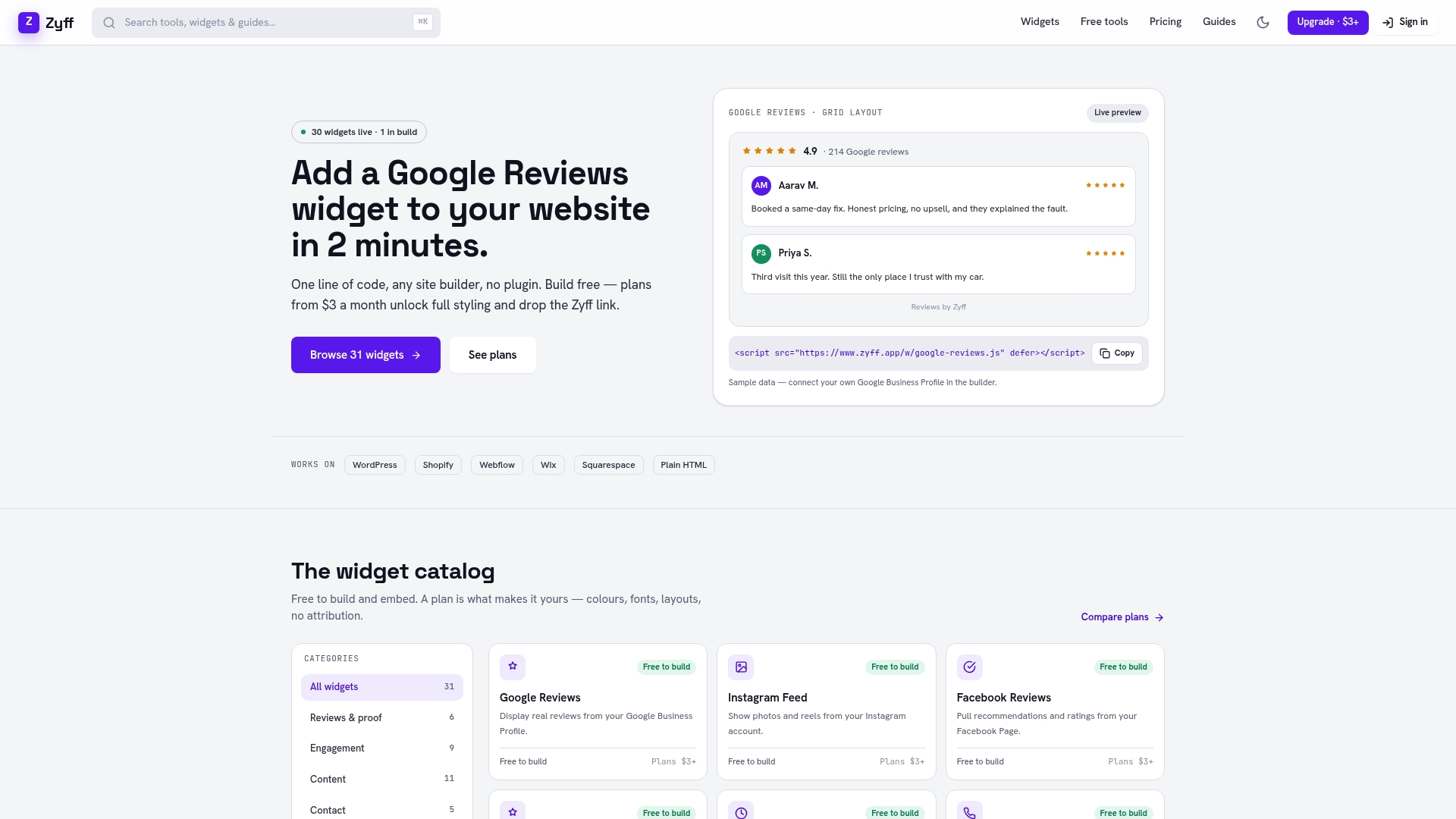
Build your first FAQ block for free, or move to a paid plan starting at $3 a month to unlock full customization and higher view limits. Start with the widget builder.
FAQ
Are FAQ pages good for SEO?
Yes, when the questions match real search intent and answers stay concise, FAQ pages can help a site capture long-tail queries and appear in People Also Ask results. They don’t help when they’re padded with keyword-stuffed, low-intent questions.
What is FAQ in SEO?
In SEO, an FAQ is a structured set of questions and short answers, often marked up with FAQ schema, designed to directly address what searchers type into Google. The format’s directness makes it a strong candidate for featured answers and AI-generated summaries.
What should a FAQ page include?
A strong FAQ page includes questions pulled from actual search data and support logs, answers that lead with the direct response in one to three sentences, and links to longer resources for added depth. Grouping related questions under clear subheadings keeps the page scannable for both readers and crawlers.
What are the 4 types of SEO?
SEO is commonly broken into on-page SEO (content and HTML elements), off-page SEO (backlinks and external signals), technical SEO (site speed, crawlability, schema), and local SEO (location-based visibility). FAQ content and its schema markup mostly fall under on-page and technical SEO.
How do I keep an FAQ page effective over time?
Review FAQ content on a regular cadence, such as quarterly or yearly, to update pricing, policy, or feature details before they go stale. Track impressions and click-through rate for each question in Search Console and remove or rewrite entries that never gain traction.