Live in Minutes: Zyff Embed for WhatsApp Click to Chat for Sites
Live in Minutes: Zyff Embed for WhatsApp Click to Chat for Sites

Create a working link with this pattern: https://wa.me/<number>, replacing <number> with the full international phone number and no plus sign or punctuation. This is WhatsApp click to chat, a way to open a chat with someone who has never saved your contact. It works the same way in the WhatsApp app and on WhatsApp Web, so a single link covers both mobile and desktop visitors.
TL;DR:
- Correctly formatted wa.me links require only digits from the full country code and phone number, with no spaces, plus signs, or local formatting.
- Including a pre-filled message with the
?text=parameter must use URL encoding for spaces and special characters to ensure proper loading across devices.- Testing the link on both mobile and desktop confirms it opens the correct WhatsApp app or Web chat, preventing silent failures due to formatting issues.
- A clear response plan is essential to handle incoming messages promptly, or the initial click will not generate valuable leads.
- Using tools like Zyff’s widget simplifies embedding and maintaining a consistent WhatsApp chat button across web pages without coding.
Table of Contents
- How to build a basic wa.me link without breaking it
- Adding a pre-filled message so chats start faster
- Putting an official chat button on your website
- Where a click-to-chat link actually belongs
- Testing your link and handling the messages that come in
- Where Zyff’s WhatsApp Chat Button fits in
- What actually matters once the link is live
- Get your WhatsApp button live in minutes with Zyff
- Sources
- FAQ
How to build a basic wa.me link without breaking it
The link only works when the phone number follows WhatsApp’s own format rules: full country code, no leading zero, and no plus sign, space, dash or parenthesis. A U.S. number written as (555) 123-4567 becomes 1XXXXXXXXXX in the link, with the country code 1 attached directly to the digits. A number from another country follows the same logic: drop the local formatting, keep the country code, and string every digit together with nothing in between.
WhatsApp’s own guidance gives a clean example, https://wa.me/1XXXXXXXXXX, and a broken one to avoid, https://wa.me/+001-(XXX)XXXXXXX. Most failed links trace back to one of these habits:
- Keeping the plus sign or a leading zero before the country code
- Leaving spaces, dashes or parentheses inside the number
- Using a local number without its country code
- Copying a number straight from a contact card without cleaning it up first
Before publishing, paste the finished link into a browser on your phone and confirm it opens a chat with the right contact name showing at the top. Do the same check on a laptop to confirm WhatsApp Web opens correctly, since a number that works on one device can still fail on the other if the formatting was off from the start.
Adding a pre-filled message so chats start faster
Appending a ready-made message removes the blank-box hesitation and tells the person exactly why you are messaging. The pattern is https://wa.me/<number>?text=<urlencodedtext>, where the text after ?text= has to be URL-encoded: spaces become %20, an apostrophe becomes %27, and an exclamation point becomes %21.
WhatsApp’s own example shows the format in action: https://wa.me/1XXXXXXXXXX?text=I'm%20interested%20in%20your%20car%20for%20sale. A few templates cover most everyday cases:
- Sales inquiry:
?text=Hi%2C%20I%27m%20interested%20in%20your%20product - Appointment request:
?text=I%27d%20like%20to%20book%20an%20appointment - Opt-in keyword:
?text=START
One consent detail matters more than the wording: pre-filled opt-in messages like “START” are commonly used to capture marketing consent only when the person sends that exact text themselves. Keep the message short, since a long pre-filled block reads as pushy before the conversation even starts.
Putting an official chat button on your website
An anchor tag pointing to your wa.me link is the simplest way to add a visible button:
<a href="https://wa.me/1XXXXXXXXXX" aria-label="Chat with us on WhatsApp">Chat on WhatsApp</a>
The aria-label matters for screen readers, since the visible text alone often is not descriptive enough on its own.
WhatsApp publishes official “Chat on WhatsApp” button assets in small, medium and large sizes, and the guidance is clear: use them as provided rather than recoloring or resizing them, so visitors recognize the button instantly. A few practical notes when wiring this into a real site:
- Give any button image real alt text such as “Chat on WhatsApp” rather than leaving it blank
- Lazy-load the button image if it sits below the fold, so it does not slow the initial page load
- Test the link on a phone, where it should open the WhatsApp app directly, and on a desktop browser, where it should open WhatsApp Web instead
- Check that query strings like
?text=survive if the button is generated through a CMS, since some platforms auto-sanitize URLs and strip them
Mobile and desktop behavior differ enough that a button that works perfectly on one can quietly fail on the other, which is why both checks belong in a normal pre-launch routine.
Where a click-to-chat link actually belongs
A contact page benefits from a plain, visible button alongside a phone number and email address, since some visitors will always prefer one channel over another. A social bio works best with the bare link and no pre-filled text, because bio fields rarely allow for a clean call to action around it. Email signatures and footers do well with a short “Chat with us” anchor rather than the raw URL.
Print materials and posters cannot carry a clickable link, so a QR code that encodes the full wa.me URL, including any ?text= parameter, is the practical fix. A generator like AriaQR’s WhatsApp QR tool preserves the query string so the pre-filled message still loads after someone scans the code.
For paid promotion, Ads that click to WhatsApp open a chat directly from the ad instead of sending visitors to a landing page first, and WhatsApp’s own product guidance recommends running these campaigns for several days with a reasonably sized audience rather than a single-day test.
- Do match the message tone to the channel: casual for social, direct for ads
- Do keep the destination number consistent across every channel
- Don’t bury the link behind a shortener that might strip the
?text=parameter - Don’t reuse an ad-specific pre-filled message on a general contact page
Testing your link and handling the messages that come in
A link that looks right can still fail quietly, so test it properly before sharing it anywhere:
- Open the link on a phone with WhatsApp installed and confirm it launches the app with the correct contact.
- Open the same link in a desktop browser and confirm WhatsApp Web loads the chat, not an error page.
- Send a test message to yourself from a second device to confirm the pre-filled text arrives exactly as encoded.
- Re-check the link after passing it through any shortener, QR generator or CMS, since these steps sometimes strip the
?text=parameter.
The most common failure points are a missing country code, leftover punctuation in the number, or a shortener that quietly drops the encoded message.
Pro Tip: Bookmark the raw wa.me link separately from any shortened version, so you always have an unmodified copy to test against.
On the operational side, a click-to-chat link is only as good as what happens after someone taps it. Businesses handling any real volume typically rely on the WhatsApp Business App or the Business Platform for quick replies, greeting messages and labels that keep incoming chats sorted instead of lost in one inbox. Set expectations internally for how fast someone should respond, and treat any opt-in keyword message as a genuine consent record, not just a greeting.
Where Zyff’s WhatsApp Chat Button fits in
Editing HTML for every page is not necessary if you just want the button live today. Zyff’s WhatsApp Chat Button widget wraps the same wa.me link into a one-line embed you preview, customize and drop into any site builder without touching template code.
A single anchor link makes sense for one landing page or an email signature. A widget makes more sense the moment you want the same button to appear consistently across every page of a site, since updating one embed updates it everywhere instead of hunting down copies of the same anchor tag. For a broader look at multi-channel options beyond WhatsApp alone, Zyff’s chat widget lineup covers that ground.
What actually matters once the link is live
Most advice on this topic obsesses over getting the wa.me format exactly right, and that part is genuinely easy once you have seen it once. The part that gets skipped is what happens after someone taps the button: a business with no plan for incoming messages turns a good click-to-chat link into a pile of unanswered chats, which is worse for trust than not offering WhatsApp at all.

The conventional checklist treats formatting as the finish line. It is really the starting line. A correctly built link with no greeting message, no quick replies and no assigned responder will quietly cost you the leads it was supposed to capture.
If you take one thing from this guide, prioritize the response plan before you worry about button colors or placement. Get the number format right, test it on both a phone and a desktop browser, and then decide who answers and how fast, because that decision shapes whether the link helps your business or just looks good on a contact page.
— Ashok
Get your WhatsApp button live in minutes with Zyff
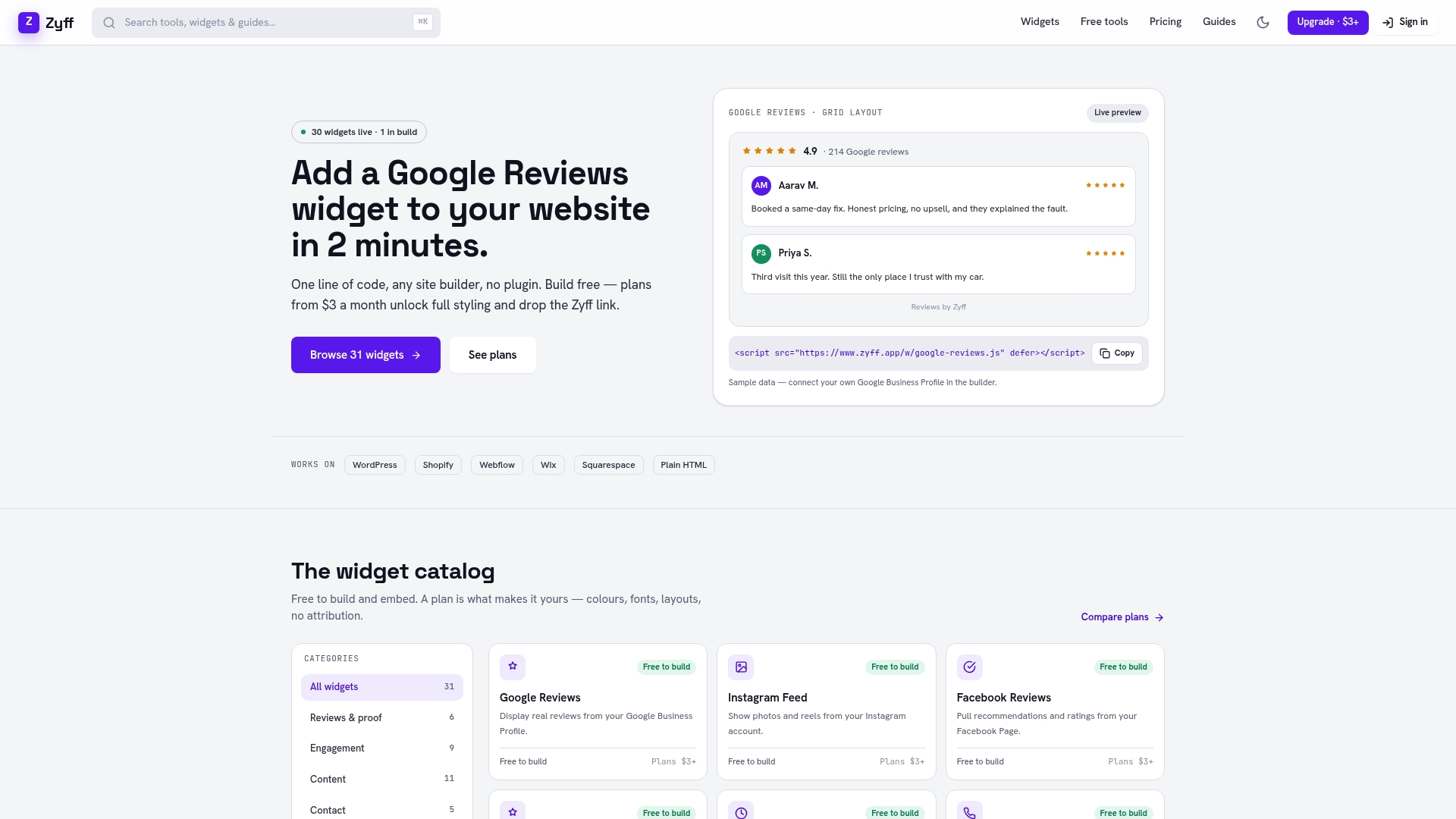
Building the link correctly gets you halfway there. Zyff’s WhatsApp Chat Button widget takes care of the rest with a one-line embed, a live preview, and free customization so the button matches your site instead of looking bolted on.
A practical path to follow:
- Preview the WhatsApp Chat Button widget and adjust the color and position to match your site
- Copy the single line of embed code into your site builder or HTML
- Send yourself a test chat to confirm the link and any pre-filled message work correctly
Every widget can be built and embedded for free, with no watermark and no account required to start. When you need to save multiple widgets, remove Zyff branding, or unlock deeper customization, plans start at the Zyff pricing page. Start with the Widget Builder and have a working chat button live before your next site visitor arrives.
Sources
FAQ
What is WhatsApp click to chat ads?
Ads that click to WhatsApp are paid ads that open a WhatsApp conversation directly instead of sending someone to a landing page first. WhatsApp’s own product guidance recommends running these campaigns for multiple days with an appropriately sized audience rather than testing for a single day.
Is the click to chat app safe?
Click to chat is not a separate app. It is a link format built into WhatsApp that opens a normal chat, so it carries the same privacy and security behavior as messaging any contact directly. The link itself reveals nothing about the recipient beyond the phone number you chose to publish.
What does a click mean on a WhatsApp message?
In this context, a “click” means someone tapping a wa.me link or button, which opens a chat window with a specific number already loaded. If the link includes a pre-filled message using the ?text= parameter, that click also loads the message into the text box, ready to send.
Do I need to code anything to add a WhatsApp button to my site?
No. A basic anchor tag works if you are comfortable editing HTML, but a no-code option like Zyff’s WhatsApp Chat Button widget lets you preview, customize and embed the same button with one line of code on any site builder.