Developers: Launch a Website Timeline in 1–3 Days, With Trade-Offs
Developers: Launch a Website Timeline in 1–3 Days, With Trade-Offs

Use an embeddable widget when you need a timeline shipped in hours, and reach for TimelineJS or a custom web component when the project needs narrative control or heavy customization. Start by picking a tool that matches your skill level, gather 5 to 20 events with dates and short descriptions, then choose an embed method before you write any layout code. Zyff’s Timeline widget covers the fast path if you just need something live today.
TL;DR:
- Embeddable widgets offer the fastest setup with minimal code, ideal for landing pages and small sites, but they limit styling options and control.
- For projects with security concerns or third-party content, iframes provide isolation at the cost of heavier load times and layout shifts.
- Limiting timeline content to around 20 well-chosen events ensures clarity and better user engagement, especially on mobile devices.
- Using facade techniques and preconnect hints can significantly improve embed performance and accessibility on slower or resource-constrained pages.
- The timeline creation process generally takes from a few days for simple widgets to several weeks for data-rich, editorial narratives, depending on scope and content readiness.
Table of Contents
- Practical tools and templates for building a timeline
- Design examples worth borrowing
- Embedding patterns and the trade-offs behind each one
- Keeping timeline embeds fast and accessible
- How long a timeline project actually takes
- What actually saves time on a timeline project
- Where conventional timeline advice gets it wrong
- Get a timeline live with Zyff today
- Sources
- FAQ
Practical tools and templates for building a timeline
Your choice of tool depends on how much control you need versus how fast you need to ship. Hosted visual editors get you a working timeline in minutes but limit deep customization. Code-first libraries give you full control over markup and behavior at the cost of setup time. Embeddable widgets sit in between: fast to install, decent styling options, minimal code.
- Hosted visual editors work well for marketers and non-developers who want a finished look without touching CSS.
- Code-first libraries like the TimelineJS approach suit story-driven content, since the tool reads directly from a Google spreadsheet or a JSON file.
- Embeddable widgets suit anyone who wants a single line of code and no build process, which is the common path for landing pages and small business sites.
For data prep, a simple spreadsheet with columns for date, title, description and media URL translates directly into most tools’ import formats, whether that is CSV, JSON or a Google Sheet.
Design examples worth borrowing
Good timelines borrow structure from a handful of proven formats rather than reinventing the layout each time.
- Journalistic narrative timelines walk a reader through an unfolding news story in chronological order, one event building on the last.
- Editorial timelines package historical context around a topic, often mixing text with photos or short video clips.
- Product roadmap timelines show what shipped and what’s coming, useful on a company blog or changelog page.
- Company history timelines condense founding milestones into a scannable strip, a common “About” page feature.
- Event timelines lay out a schedule (a conference agenda or a wedding day) with time-of-day precision.
- Process timelines explain a sequence of steps, such as onboarding or a manufacturing workflow.
Across all six, the same design rules hold. TimelineJS’s own guidance recommends keeping a timeline to roughly 20 events, since more than that turns a story into a browsable list. Anchor every event to the narrative you’re telling, compress images before upload, and pick a layout that suits the device: a vertical stacked design reads naturally on mobile, while a horizontal scroller works better for desktop storytelling with wide media.
Embedding patterns and the trade-offs behind each one
Three engineering paths get a timeline onto a page, and each trades speed against control differently.
Iframes isolate the embedded content in its own document, which is the right call for untrusted third-party widgets since a bug or a malicious script in the embed cannot touch your page. That isolation costs you: iframes are heavier to load and can introduce layout shift if their dimensions aren’t reserved ahead of time.
Web components (custom elements) share the parent document’s context, which avoids the overhead of spinning up a second document. That makes them the faster option for widgets you control or trust, at the cost of a weaker security boundary than an iframe provides.
JSON or JS libraries in the TimelineJS mold are built for narrative, data-driven timelines: point them at a spreadsheet or a JSON file and the library handles rendering, pagination and media embeds.
Widgets like Zyff’s Timeline widget trade some customization depth for a single line of install code, which suits marketing pages, campaign microsites or anyone prototyping quickly.
- Pick an iframe when the content comes from a source you don’t control and security isolation matters more than load time.
- Pick a web component when you own the code and want the fastest possible render.
- Pick a library when the timeline is the centerpiece of a long-form story.
- Pick a widget when speed to launch matters more than pixel-level control.
Run through a short checklist before committing: where does the trust boundary sit, what’s your performance budget, how much interactivity do you actually need, and what does your existing stack support without extra tooling.
Pro Tip: Reserve the exact width and height for any embed before it loads, whether it’s an iframe or a widget, so the page doesn’t jump once the content arrives.
Keeping timeline embeds fast and accessible
Performance and accessibility problems on timeline embeds are predictable, and both are fixable with a short list of habits.
- Use a facade (a lightweight preview that loads the real embed only on interaction) for any timeline that isn’t critical to the initial page render.
- Attach a pointerenter listener to preconnect to the embed’s origin, so clicking feels instant instead of triggering a cold connection.
- Favor web components for internal widgets to skip the document-creation cost that iframes carry, and reserve iframes with sandboxing for third-party content you don’t control.
- Build in keyboard focus order so a reader can tab through events in sequence, and apply
role="button"to interactive timeline entries that aren’t native buttons. - Add a visible focus state, semantic HTML for headings and dates, and alt text for any image tied to an event, which together cover the bulk of a WCAG 2.2 AA audit.
A well-built facade replaces the eager embed with a lightweight preview and loads the full widget only when a visitor interacts with it, cutting the bytes and requests a page pays for at load. That single change is often the biggest lever available for a heavy embed.
Once it’s live, measure it. Track Largest Contentful Paint, Cumulative Layout Shift and Interaction to Next Paint (or Total Blocking Time on older tooling), and run a keyboard-only pass through the timeline before calling it done.
How long a timeline project actually takes
Scope drives the schedule more than the tool you pick. A short landing page with a widget-based timeline can go from decision to live embed in 1 to 3 days, or up to two weeks if approvals or copy are still in flux. A marketing mini-site with a custom-styled timeline typically runs 2 to 6 weeks. A content-rich narrative built on a library like TimelineJS, with sourced media and editorial review, tends to run 4 to 8 weeks or longer. A timeline embedded inside a larger app or member portal, with integrations and access control, can stretch to 8 to 20 weeks or more.
- Discovery: confirm scope, audience and which tool fits.
- Content prep: gather events, write copy, source and compress media.
- Design and templates: pick or build the visual layout.
- Development: implement the embed and wire up data.
- Accessibility and performance QA: run the checklist above before launch.
- Launch: publish and monitor real-world metrics.
Late content, slow approval cycles and unplanned integrations are the three blockers that push every one of these estimates out. Locking content before development starts avoids most of it.
What actually saves time on a timeline project
The decision between a widget and a custom build usually comes down to maintenance, not features. If you’ll update the timeline monthly and don’t have a developer on call, a widget with an editing interface saves far more time over a year than a slicker custom component nobody touches after launch.

A few habits shortcut the process regardless of tool: prepare your event data as a clean CSV or JSON file before you open any editor, compress images ahead of upload rather than after, and always test keyboard navigation on a staging copy before it goes live.
Zyff’s own Timeline widget is one of 49 free tools the company keeps unmetered across every plan, and it installs with the same one-line embed pattern the rest of its widget catalog uses, which is worth knowing if you’re already using Zyff for other embeds on the same site.
— Ashok
Where conventional timeline advice gets it wrong
Most timeline tutorials treat the tool choice as the hard decision and the content as an afterthought. It’s the opposite in practice. A beautifully coded web component with 40 events and no editorial focus reads worse than a basic widget with 12 well-chosen milestones. The narrative discipline that TimelineJS’s own guidance pushes, capping events around 20 so each one earns its place, matters more than which rendering technology sits underneath it.
The other place advice falls short is performance. Plenty of guides tell you to “optimize images” and stop there, without mentioning that the embed method itself, iframe versus web component versus widget, often has a bigger effect on load time than any asset tweak. If you’re choosing a technical approach, choose it for the trust boundary and performance budget first, then decide on styling.
Prioritize your event list and your embed method before you touch design. Everything else, including which specific product you use, is a smaller decision than those two.

Get a timeline live with Zyff today
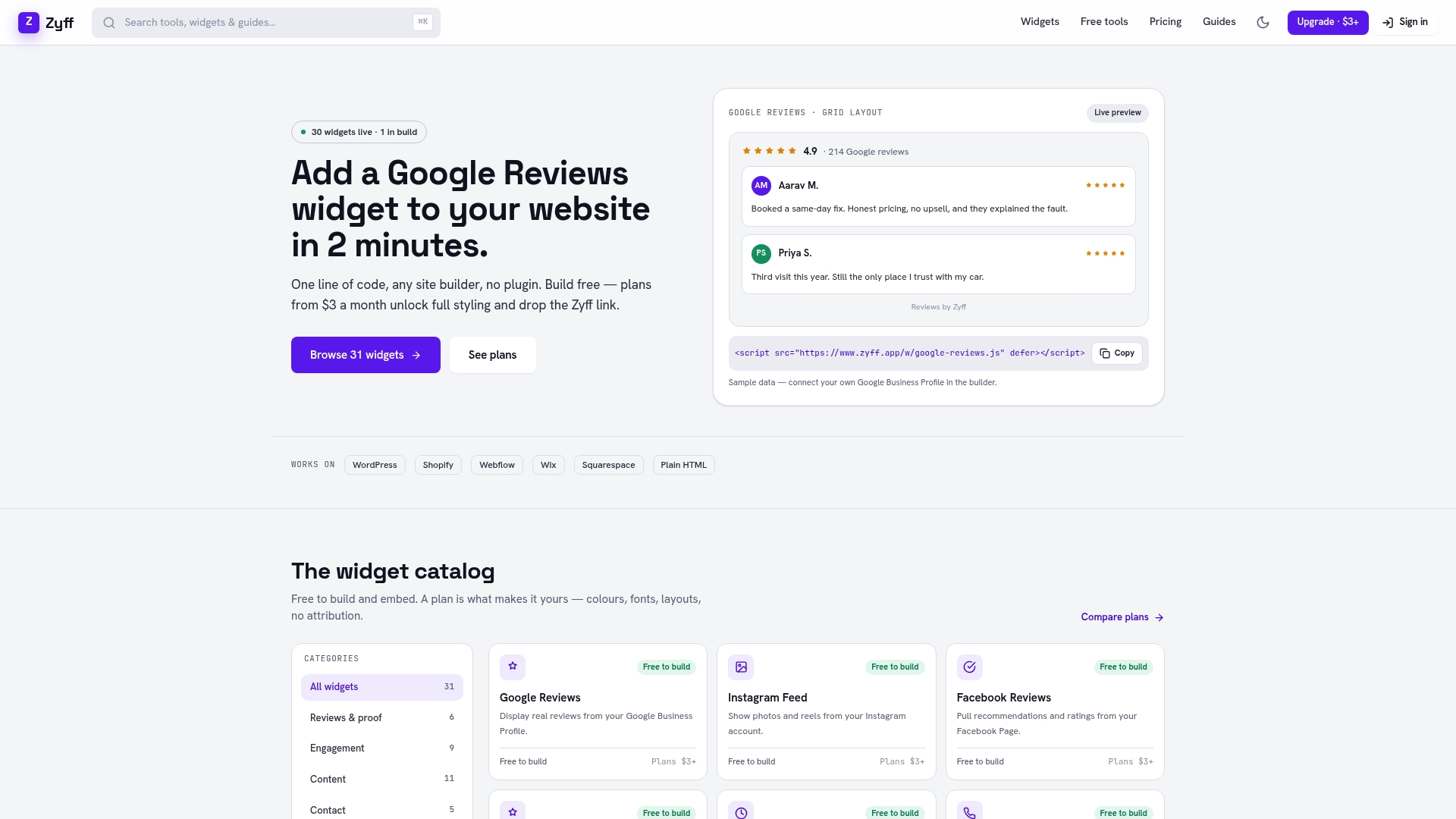
If you’d rather skip the build entirely, Zyff’s Timeline widget gets a working, styled timeline onto any site with one line of code, no separate hosting or JSON pipeline required. It fits company history pages, product roadmaps and event schedules equally well, and it sits alongside Zyff’s other 48 free tools if you need a countdown timer, review widget or popup on the same site later.
- Sign up and open the widget builder.
- Add your events manually or import them, then preview the layout live.
- Copy the one-line embed code and paste it into your site’s HTML.
Paid plans start with Basic at $3 per month for higher saved-widget limits and branding removal, while the free tier covers a single embedded timeline with no account required. Check the Widget Builder to start building.
Sources
Knight Lab’s TimelineJS writeup covers the library’s data format and its event-count guidance. UCLA’s 100 timeline is a useful reference for institutional timeline design.
- TimelineJS reimagined — Knight Lab (2026)
FAQ
Should I use an iframe or a widget for my timeline?
Use a widget when you want fast setup and light styling control, and an iframe when you’re embedding third-party content you don’t control and need security isolation. Widgets like Zyff’s Timeline widget install with one line of code, which covers most marketing and small business use cases.
How many events should a website timeline include?
Keep it to roughly 20 events or fewer, according to TimelineJS’s guidance, since more than that turns a story into a hard-to-browse list. Fewer, well-chosen events tied to a clear narrative read better than a long chronological dump.
How long does it take to add a timeline to a website?
A widget-based timeline on a simple landing page can go live in a few days, while a content-rich narrative timeline built with a library and sourced media typically takes several weeks. The exact timeline depends on how ready your content and images are before development starts.
Does Zyff’s Timeline widget work on any website?
Zyff’s widgets install with a single line of code that works across common site builders and custom codebases alike. The free tier lets you build and preview a timeline, while paid plans starting at $3 per month add branding removal and higher saved-widget limits.
What makes a timeline accessible under WCAG guidelines?
An accessible timeline needs keyboard-operable navigation, visible focus states, semantic HTML for dates and headings, and ARIA roles like role="button" on interactive entries that aren’t native buttons. Testing the full timeline with a keyboard alone, no mouse, is the fastest way to catch what’s missing.